How to improve TV image quality: the hidden HDMI setting
Many Smart TV users are not utilizing their devices' full potential due to a disabled HDMI Deep Color feature.
 💡Tech
Photo: UNIAN
Key points
- HDMI Deep Color improves color accuracy
- The setting may be disabled by default
- Configuration is done via the TV's port settings menu
Modern televisions, gaming consoles, and streaming devices support HDR, but users often fail to get the expected image quality. The culprit is frequently the HDMI Deep Color feature, which remains disabled by default, hindering the depth of color reproduction.
Why color depth matters
HDMI Deep Color technology allows devices to transmit signals with 10 or 12-bit depth instead of the standard 8-bit. This significantly expands the color gamut, eliminates harsh transitions between shades, and makes movies and games look more realistic. This feature has been standard on most devices since 2006.
How to adjust your settings
While many Smart TVs enable this setting automatically, it is sometimes left off. To verify your settings, follow these steps:
- Access your TV's settings menu.
- Navigate to the HDMI port configuration section.
- Enable the option, which may be labeled as HDMI Deep Color, HDMI UHD Color, or "Enhanced format" depending on the manufacturer.
If your 4K content looks dull or lacks vibrancy, be sure to check this parameter for each HDMI port you use. This simple adjustment ensures you get the best possible performance from your hardware without any additional costs.
Source UNIAN — unian.ua/techno/gadgets/shcho-take-hdmi-deep-color-i-chomu-cyu-funk… ↗
Read next
 🛡️Security
Explosions reported in Russian Baltiysk near naval base
Drone activity and air defense operations were recorded in the port city of Baltiysk, Kaliningrad region, near the Russian naval fleet base.
 🛡️Security
Russian frontline casualties approaching WWII levels, US Ambassador says
US Ambassador to the UN Mike Waltz stated that Russian army losses currently exceed their monthly recruitment capacity.
 🎭Culture & Sport
US Forest Service declassifies files on 'Bigfoot'
The US agency has released documents containing accounts of encounters with the legendary Bigfoot, accumulated over the past 80 years.
 👥Society
Car color as a mirror of character: what psychologists say about driver choices
Color experts have analyzed how a vehicle's color can reflect a owner's personality traits and to what extent this choice is conscious.
 💼Economy
Joint Production of Ukrainian Drones in the UK: Details of the Agreement
Ukraine and the United Kingdom have agreed to manufacture Ukrainian-designed strike drones on British soil to support the Defense Forces.
 ⚽Sport
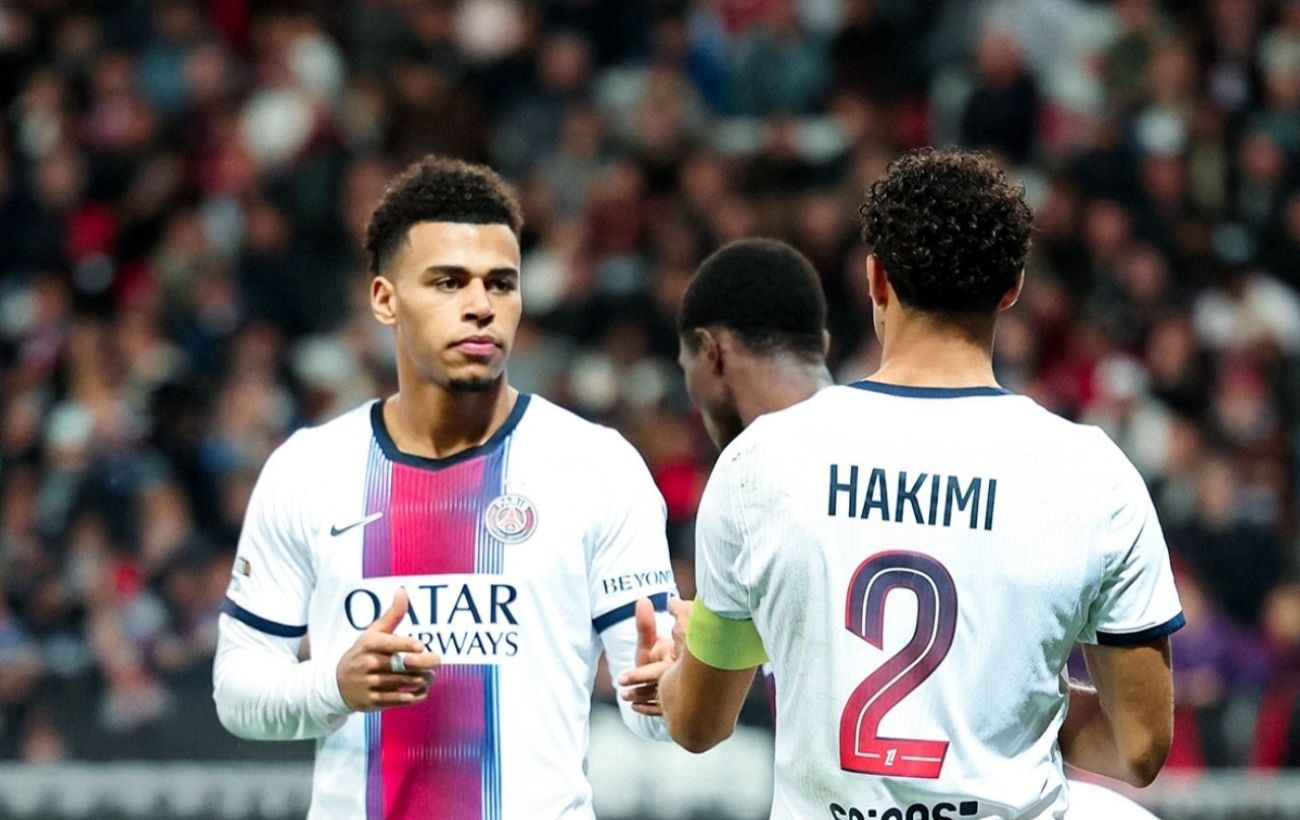
Ilya Zabarnyi helps PSG secure a comeback victory against Nice
Ukrainian defender Ilya Zabarnyi played the full match for PSG as they secured a 3-2 comeback victory in Ligue 1.